Step by Step Instructions:
- Go to http://www.t-res.net
- Click on "Forgot your password?".
- Enter your username or email address and click on Request Password Reset.
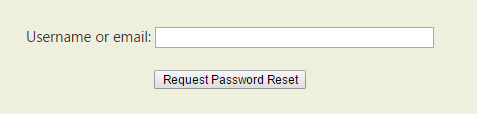
If your username or email are not recognized, reach us at support@t-res.net. - An email will be sent to you via the registered email address. The link within the email will allow you to set a new password.

- After clicking the email link, you will be prompted to enter your new password twice.
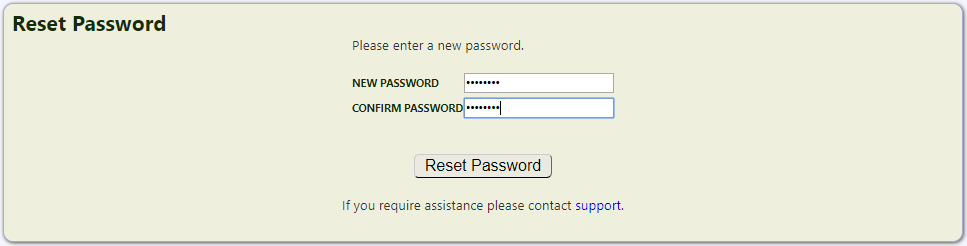
- Click Reset Password and you will be logged in automatically.

If you need help at any point, reach us at support@t-res.net.
Video Tutorial